Guide
How to use Invite Green
From your first invitation to guests at the door. All screenshots are from the app (shown in Danish; the app is also available in English).


Get the app and sign in
Download Invite Green from the App Store or Google Play. You sign in with your email and a code we send you. No password to remember.
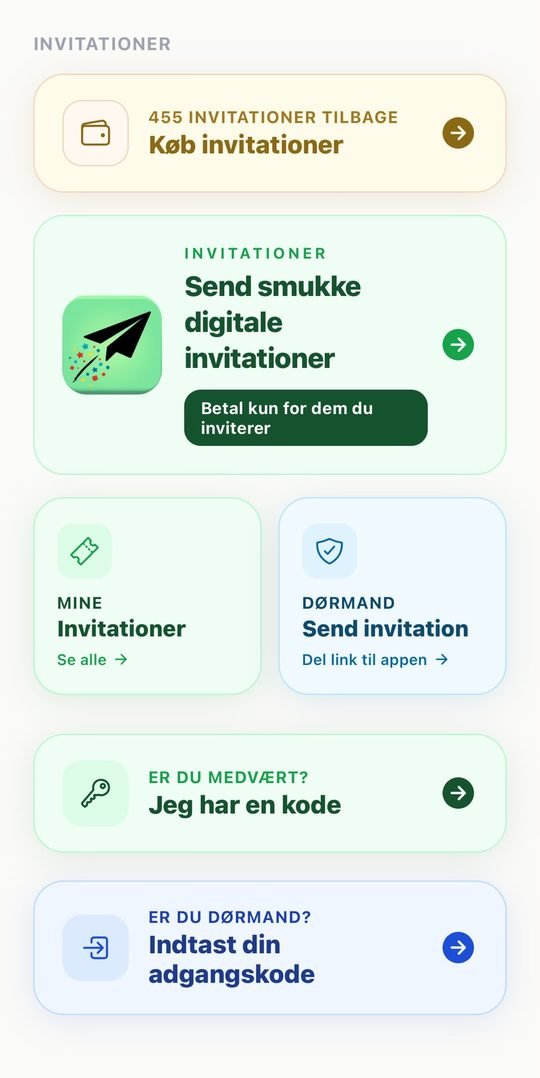
The home screen has everything: buy invitations, your invitations, and the buttons for co-hosts and door staff.
Buy invitations
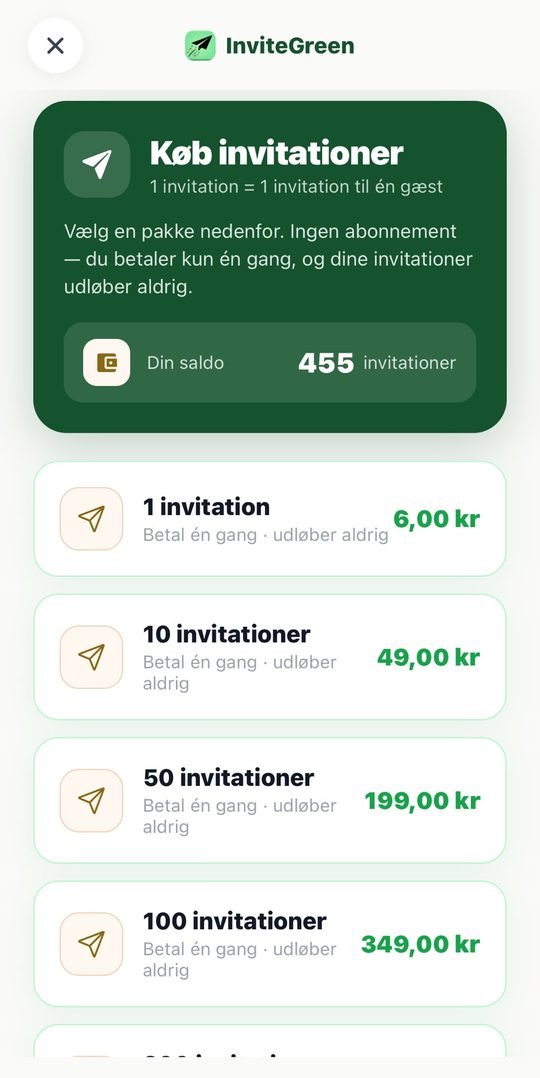
1 invitation = 1 guest. You pay once, and your invitations never expire. No subscription.
- 1 invitation: 6 kr
- 10 invitations: 49 kr
- 50 invitations: 199 kr
- 100 invitations: 349 kr
Larger packs are available for weddings and big parties.
Create your event
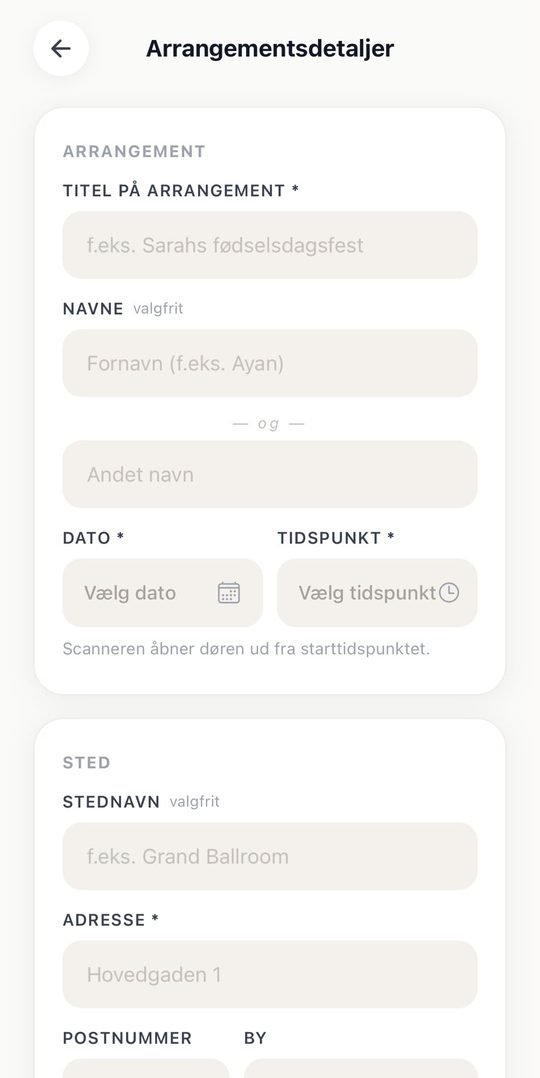
Tap Create new invitation. Enter the title, names, date, time and address. Only the most important fields are required.
Design the card
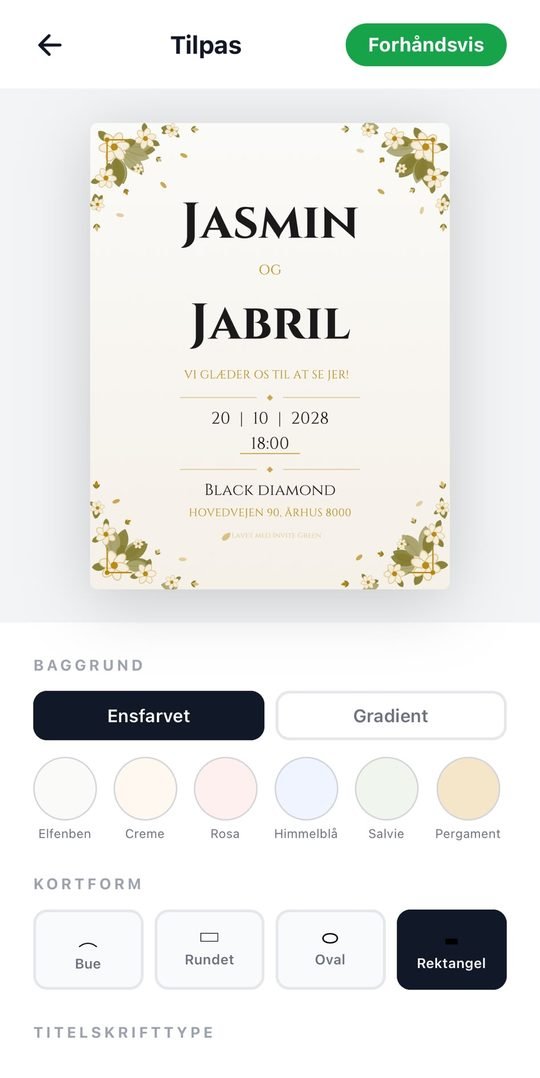
Choose background, card shape and font. Tap Preview to see the card the way your guests will see it.
Add guests
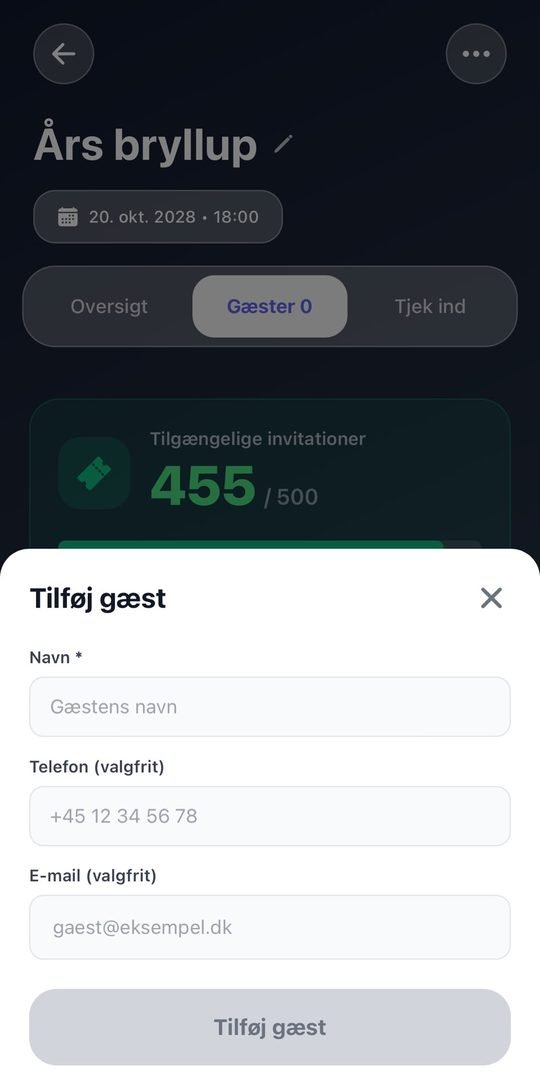
Open the Guests tab and tap Add guest. A name is enough. Phone and email are optional.
Send the invitations
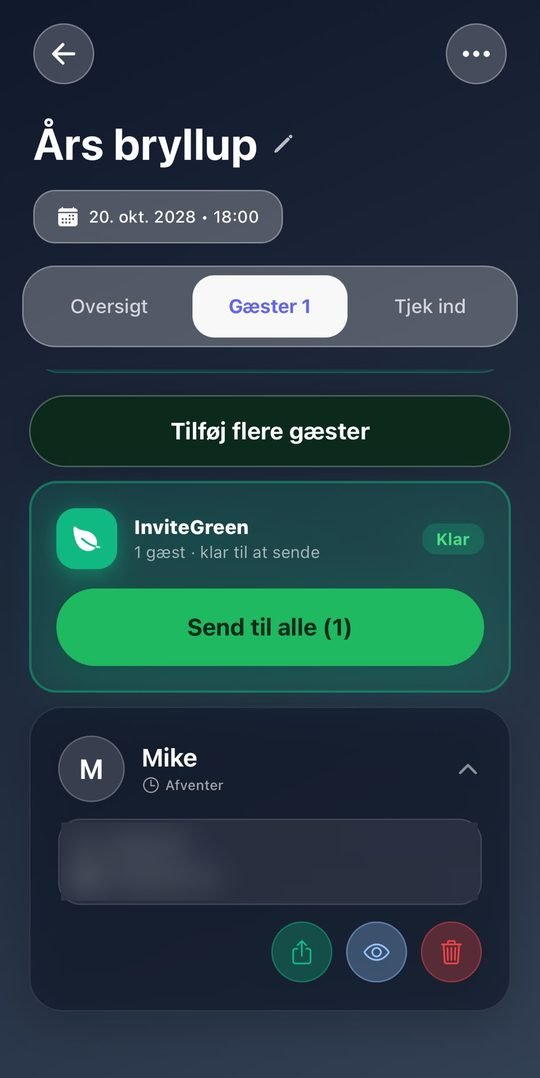
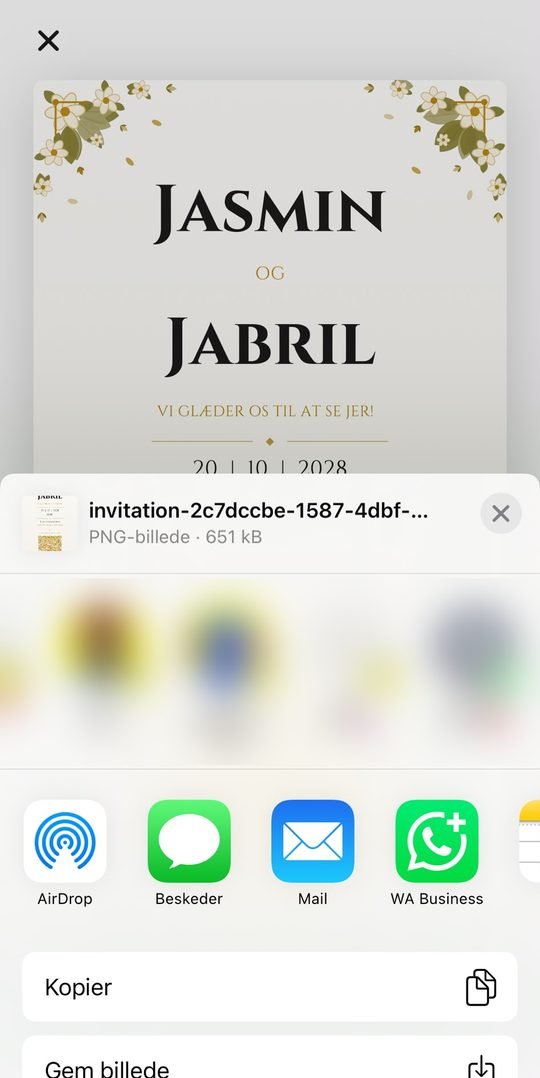
Tap Send to all, or send to one guest at a time. You choose how the card is sent: SMS, WhatsApp, email or any other app on your phone.
Guests do not need the app.
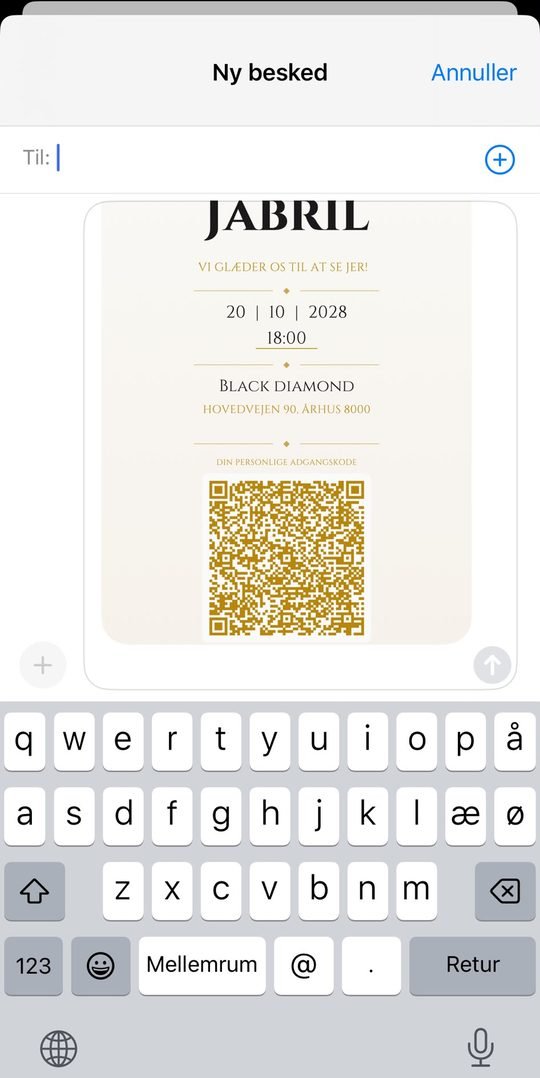
Each guest gets their own card
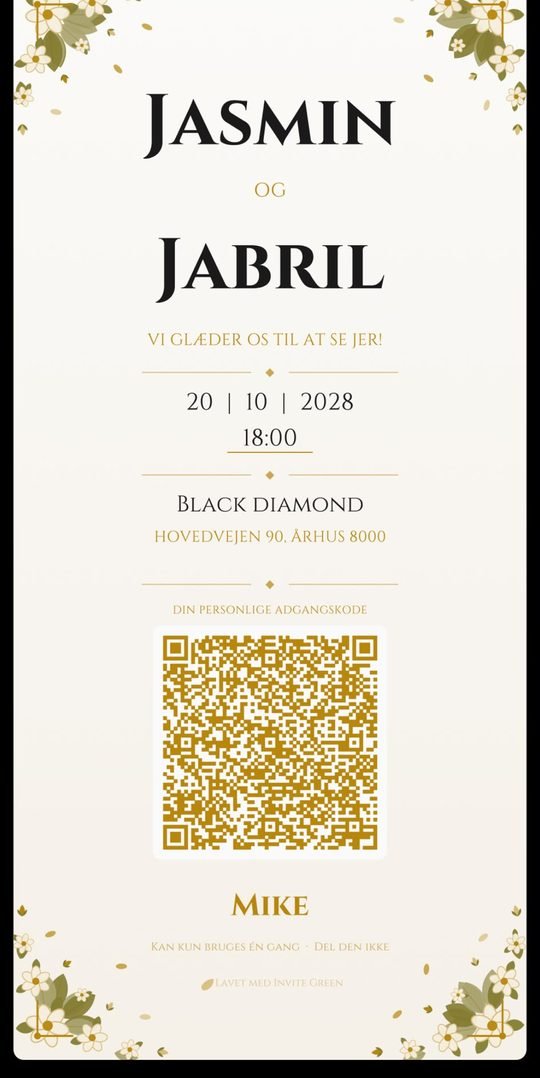
Every guest receives a personal card with their name and their own QR code. The code is their ticket at the door.
Follow the replies
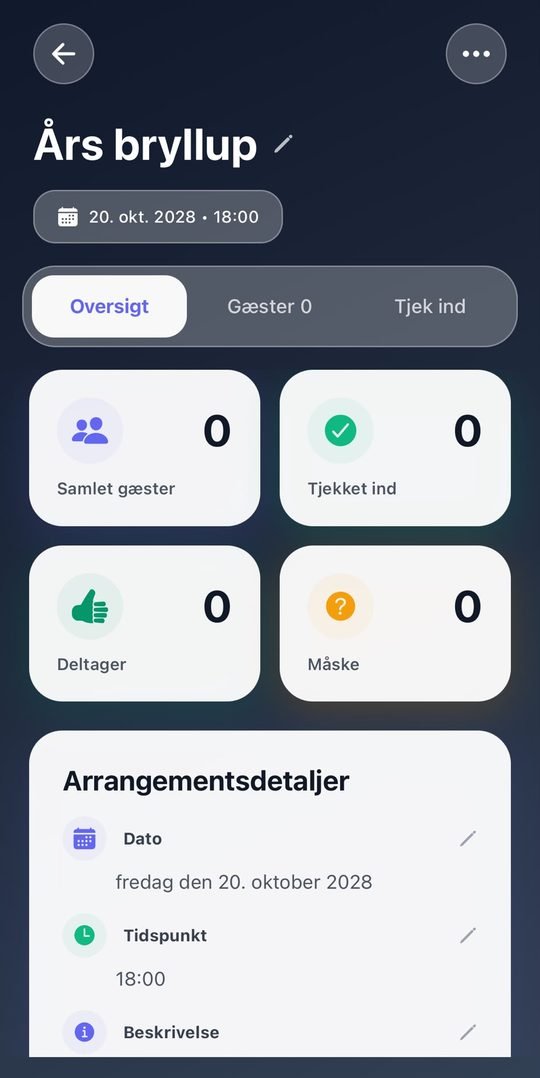
Under Overview you see right away who is coming, who declined, and who has not replied yet.
Invite a co-host
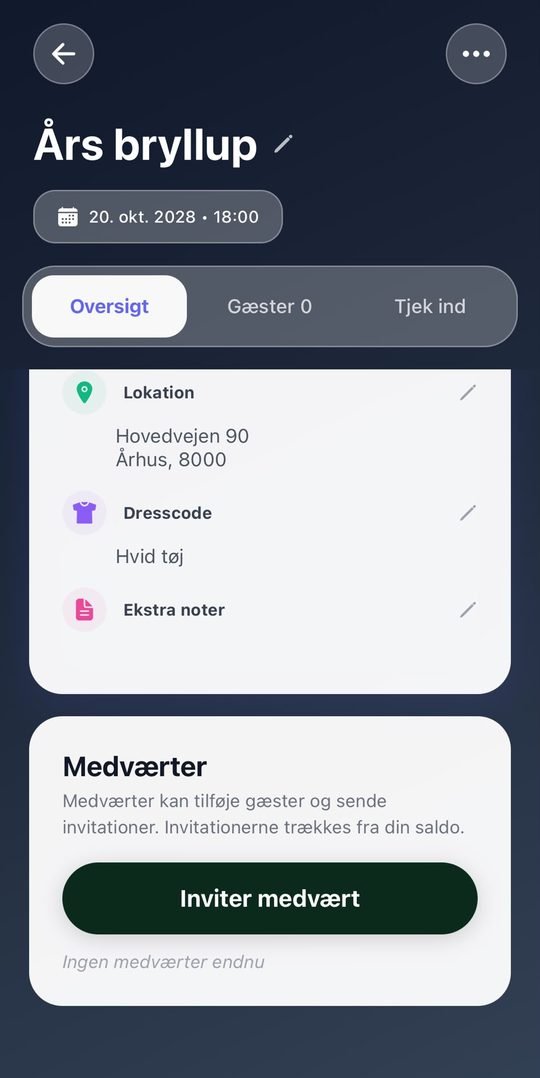
Planning together? Tap Invite co-host. A co-host can add guests, send invitations and scan at the door. Invitations are taken from your balance.
Check guests in at the door
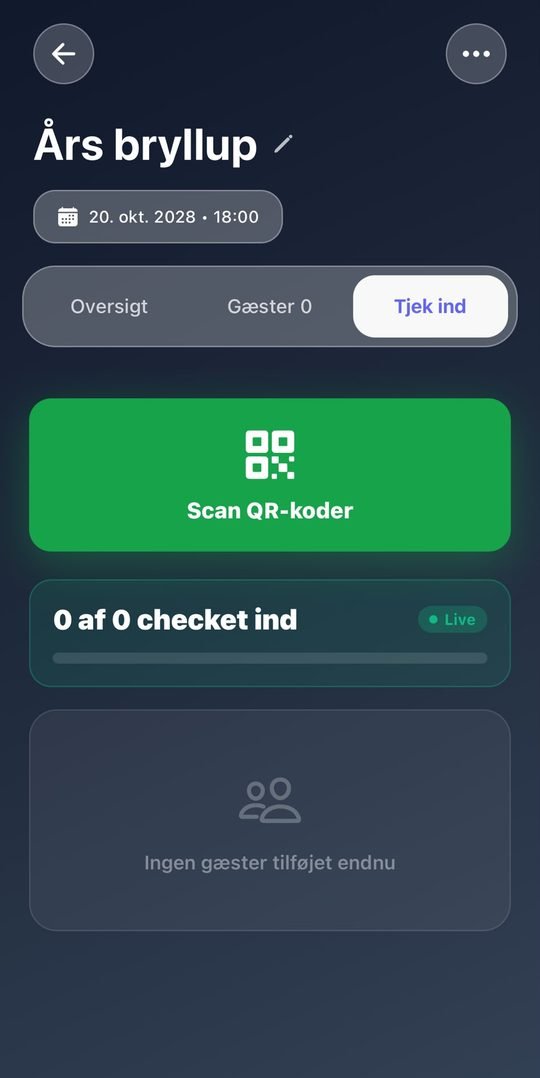
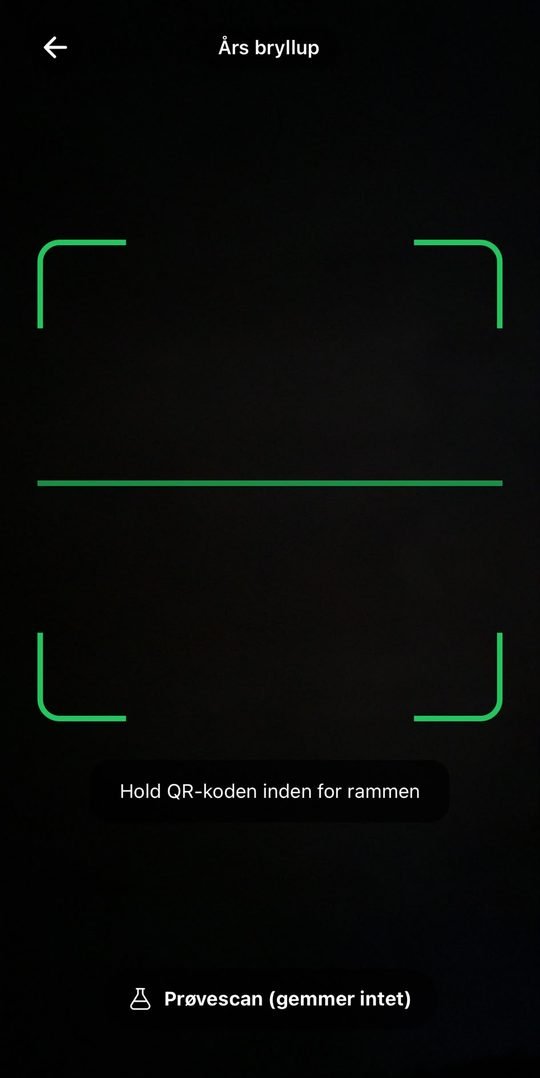
On the day, open the Check in tab and tap Scan QR codes. You can also give door staff access: they download the app, tap Are you door staff? and enter the access code.
The door opens 1 hour before the start and closes 24 hours after. Several people can scan at the same time, and a guest can only be checked in once.
Frequently asked questions
Do guests need the app?
No. Guests receive the card by SMS, WhatsApp, email or whichever app you send it with.
Does it cost extra to resend to the same guest?
No. You only pay the first time a guest receives their invitation.
Do my invitations expire?
No. Purchased invitations never expire, and there is no subscription.
Can two people scan at the same time?
Yes. You, your co-hosts and your door staff can scan at the same time. If the same code is scanned twice, the second scan shows that the guest is already checked in.
When can we scan?
The door opens 1 hour before the start time and closes 24 hours after. If you scan too early, the app shows when the door opens.
Can I get help?
Yes. Email support@nuroink.dk.
Ready to invite?
Get the app and send your first invitation today.